


.svg)

Overview
Picture a Partner program that is working. Conversions are coming in, the roster is growing, and once a month the whole thing turns into admin: one platform for domestic payouts, another for international ones, invoices to assemble, tax details to chase, and a spreadsheet somewhere that says who has actually been paid.
That is the problem Everflow Pay was built to remove. It is Everflow's own payment solution, and it puts the funding, the Partner banking details, the invoices and the payments themselves in one place, inside the platform you already use.
“With its automated invoicing and payment transmission capabilities, I no longer have to worry about the administrative hassle of managing commissions. Instead, I can focus my time and energy on more valuable activities, like analyzing performance metrics and strategic communications with partners. I highly recommend Everflow Pay to anyone looking to simplify affiliate commission management and free up time for business priorities.” Michael Rubenstein, Dovly
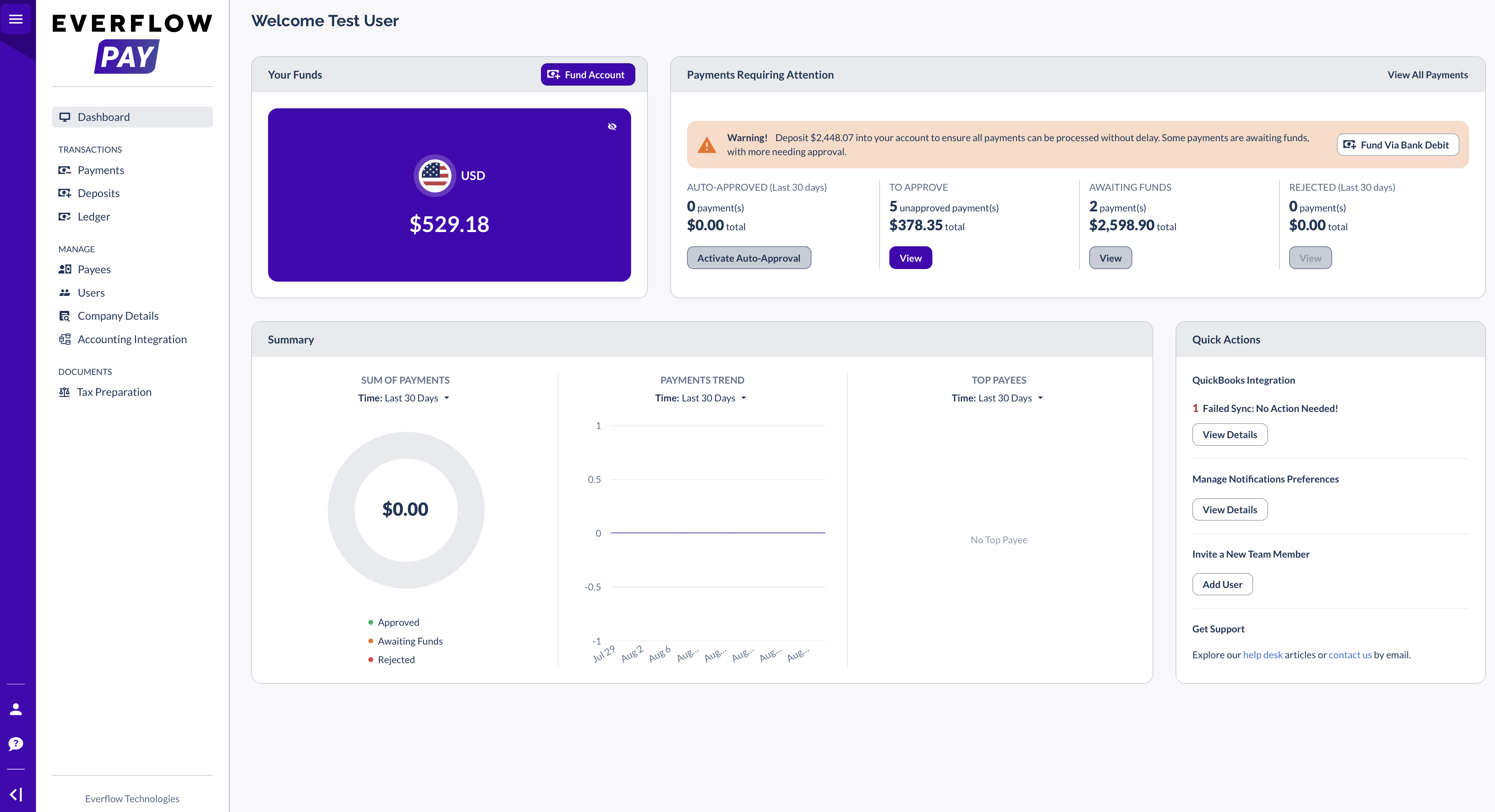
What Everflow Pay Handles
Three jobs, all of which you are doing somewhere already.
Pay domestic and international Partners from the same place, out of one funded wallet.
Domestic payouts run as ACH. Payouts to Partners outside your country are handled as international transactions.
You apply for Everflow Pay yourself, from inside your Everflow account, and it is available to businesses in the US and internationally.
Invoices are generated for you, on the billing rules you set per Partner.
Every payment leaves a record you can reconcile against, and you can connect your accounting software so that reconciliation happens on its own.
Your Partners fill in one form from their own Partner Platform, and their banking and tax details are stored against their payee account rather than in your files.
Once a Partner submits their banking information they become payable automatically, usually within minutes. There is no test deposit and no waiting period.
Who Can Use Everflow Pay
Everflow Pay is open to businesses registered in the United States and to businesses registered internationally, in the countries we can send money to and from. The list of countries served is the authority on where you can pay and in which currencies, and it is worth checking before you plan a payout run.
One thing has not changed and it is worth being clear about: the payment rail underneath Everflow Pay is the same as it always was. What is new is who is allowed to sit on top of it.
What You Provide When You Apply
The application is short and the answer to one question shapes the rest of it. If your business is registered in the United States, you give your business name and a tax identifier: an EIN if you are a Corporation, an SSN if you are a Sole Proprietor. If your business is registered outside the United States, you give your business name and nothing else. No EIN, no SSN, no tax forms.
That is about your activation specifically. It does not mean tax numbers never come up: your Partners are still asked for their own tax or business registration number when they set up their payee account.
Getting Activated
You apply for yourself, in one sitting, without looping in an owner or an officer. What happens next is a review rather than a switch. Our Everflow Pay team reviews the application, and our payment provider confirms the account being opened for you. While that runs, your Integration Status reads Pending, and you get an email with next steps once your application is accepted.
How To Set Up Everflow Pay walks through the form field by field and shows you where to check your status.
What Everflow Pay Costs
There is no separate subscription and no separate contract. There are charges, though, and the useful thing to know is that they do not all land on the same person. Some are yours and some are your Partner's.
What You Pay
You pay a monthly usage fee based on the volume you transact through Everflow Pay. Your rate is set with your account team rather than picked off a public price list, so the number in your agreement is the number that applies to you.
On the funding side, sending money in to your wallet by wire costs you nothing.
What Your Partners Pay
A Partner receiving a cross-border payment in USD pays a flat fee on it: $29 on payments under $10,000, and $40 on payments of $10,000 or more.
When a payment is converted out of USD, there is no flat transaction fee. The conversion cost is built into the exchange rate instead.
Domestic ACH payouts carry no transaction fee.
Two minimums are worth planning around. An international payment has to be at least $50, and if you fund by bank pull the minimum is $10.
The full breakdown, charge by charge and with who pays each one, is in its own article.
Managed Payments
If you would rather not run any of this yourself, Managed Payments is the version where we do. It is the same product with our team operating it on your behalf.
Managed Payments is set up with your account team rather than from a button in the platform. There is more about it on our website, and your Customer Success Manager can tell you whether it fits your program.
Where To Go Next
If you are ready to use Everflow Pay, the next two articles are the whole first hour: apply for it, then get your Partners set up. If something goes wrong with a payment at any point, Everflow Pay has its own support address, pay.help@everflow.io, and using it will get you to the payments team faster than general support will.
→ How To Set Up Everflow Pay, the application form field by field.
→ Get Partners Started With Everflow Pay, what to tell your Partners before they set up.
→ Funding Your Everflow Pay Account, how to get money into your wallet.
→ Understanding Everflow Pay Fees And Who Pays Them, every charge and who it lands on.


