Home
Integrations Library
Getting Started With Integrations
Overview Of Built-In Integrations

SERIES:

Overview Of Built-In Integrations

Explore Everflow's complete list of built-in integrations across 12 categories, from fraud detection to feeds, and learn how they help streamline your marketing operations and improve data insights.

Overview

Everflow's built-in integrations (available directly in your UI) help you see and manage all your marketing in one place.

As of now, Everflow offers 12 types of built-in integrations that connect to your dashboard. Together they give you visibility across your marketing efforts, so you can track performance, manage campaigns, and make better decisions. Browse everything below, filter by category, or start from what you do.

12categories
44integrations
1place to manage them
9 seconds: from the Integrations page to the new Telehealth Platform category.New: Telehealth Platform

Find your integration

Choose a category, or search by name. Every card links to the full guide for that integration.

No integration matches. Try a shorter name, or choose a category.

Which ones fit you?

Start from what you do. Choose a card and the list above filters for you.

Set one up in three steps
1
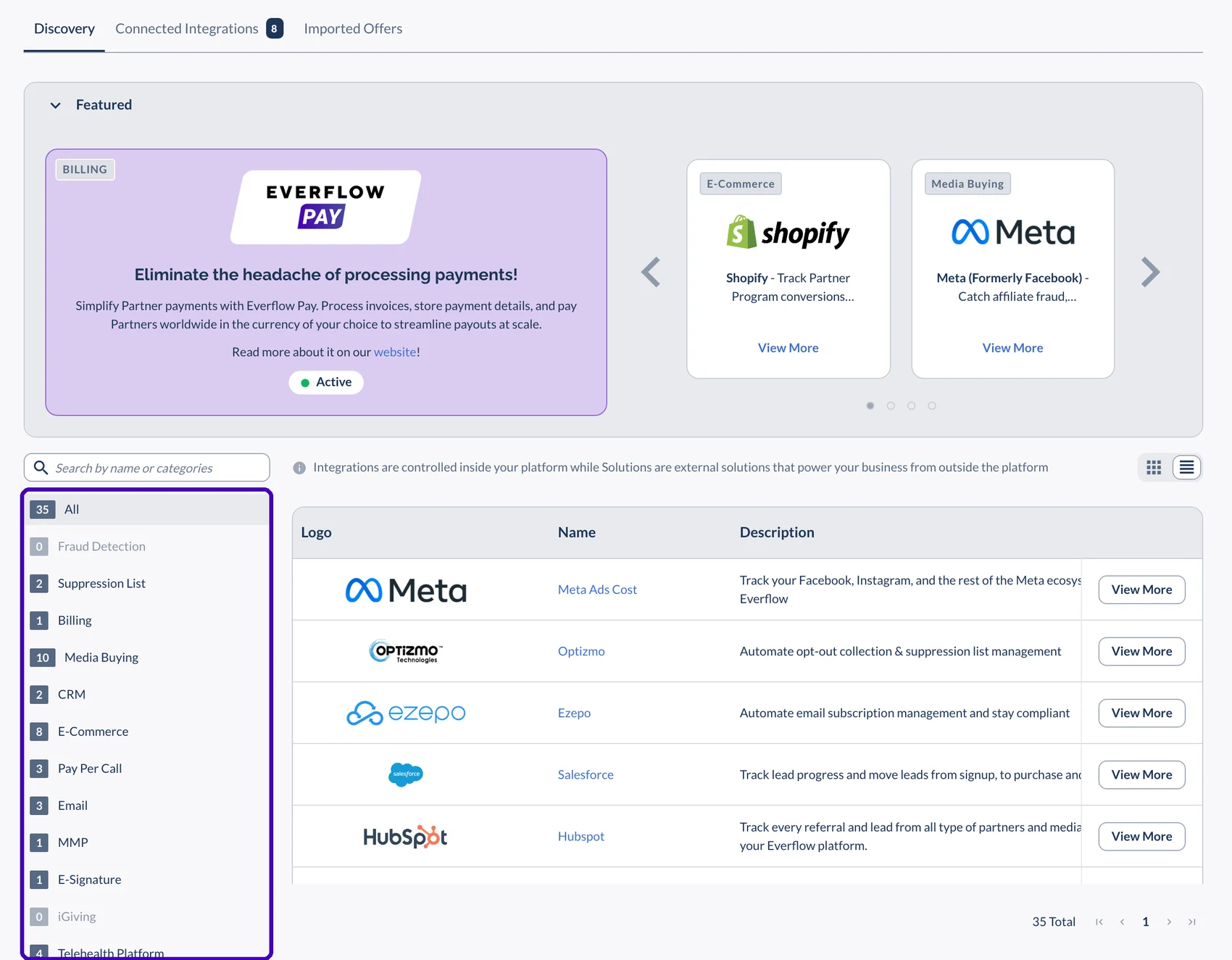
Open IntegrationsIn the main menu, under Connect, choose Integrations.The Integrations page, with the category list and the number of integrations in each category
2
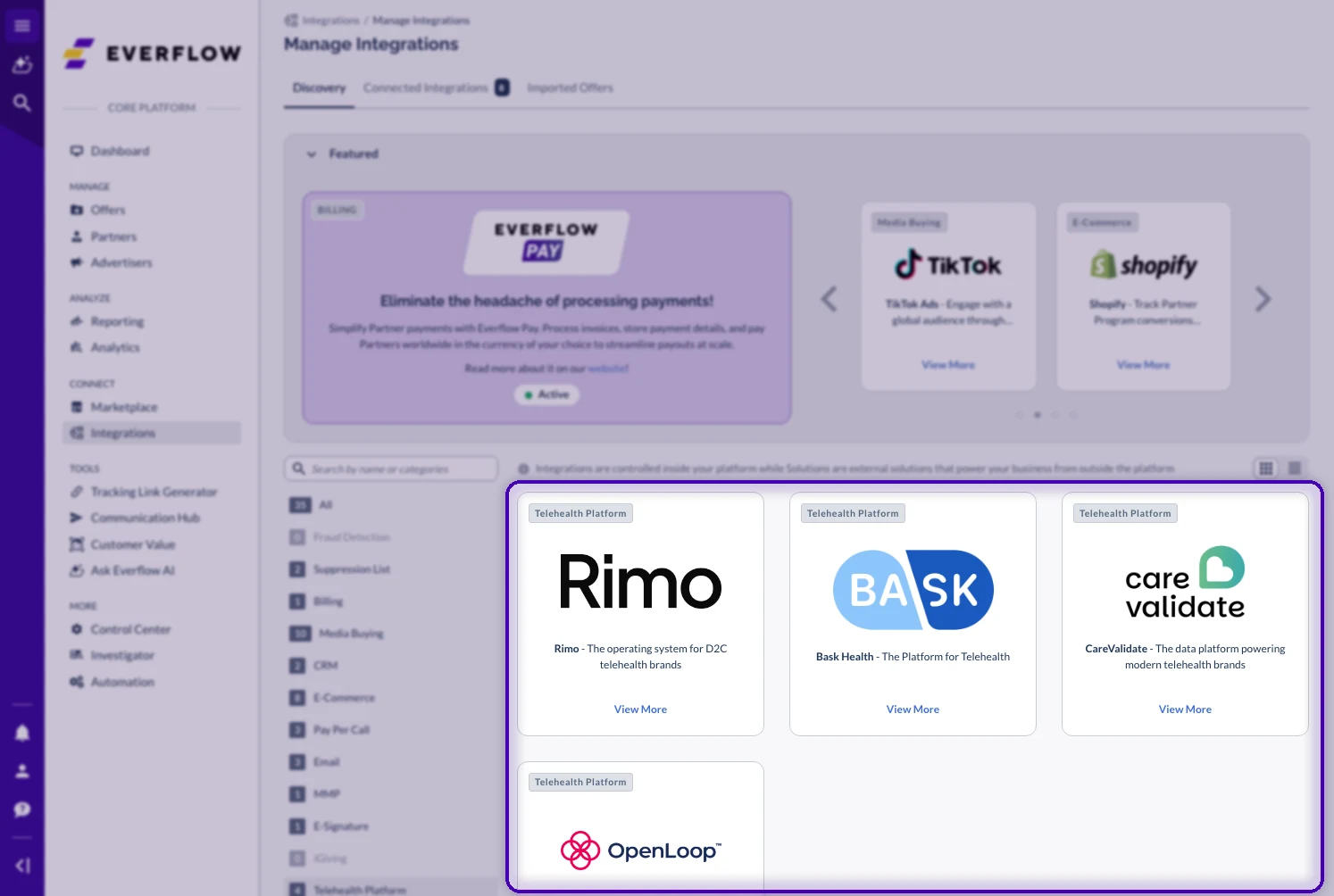
Pick a categoryUse the category list or the search box, then choose View More on the integration you want.The Integrations page filtered to the Telehealth Platform category
3
Connect and configureFollow the guide for that integration. Connected ones show up under Connected Integrations.

Why These Built-In Integrations Matter

One viewSee all your marketing activity in one place, instead of switching between multiple platforms and reports.
True costsA clear picture of your true costs across channels helps you make smarter budget decisions based on actual performance.
Minimal setupThese integrations work with minimal configuration, so you save time on setup and maintenance, and decide with complete information.
Explore related content

→ What Is A Built-In Integration in Everflow? The basics.

→ Other Ways To Connect with Everflow When there is no built-in option.

→ Passing Data Into Everflow With Zapier For tools Everflow does not connect to directly.

Next in This Series