


.svg)

Overview
In the past, when you connected with an Advertiser on the Marketplace, only the user who made the connection received a login for that Advertiser's Partner Platform. Other team members could not log in without asking the Advertiser directly.
Now, you can manage access for your entire team directly from the Marketplace. Administrators have full control over who gets access, while Marketplace Managers can easily request the logins they need.
How Access Works
Turn On Automatic Account Creation (Administrators)
Administrators can set up the platform to handle account creation automatically.
Go to your Company settings and look for the Automatically create Partner Platform user accounts setting. You can set this to None, Administrators, or All.
Create Your Own Account (Administrators)
If you do not have an account for an active connection yet, you can create one instantly.
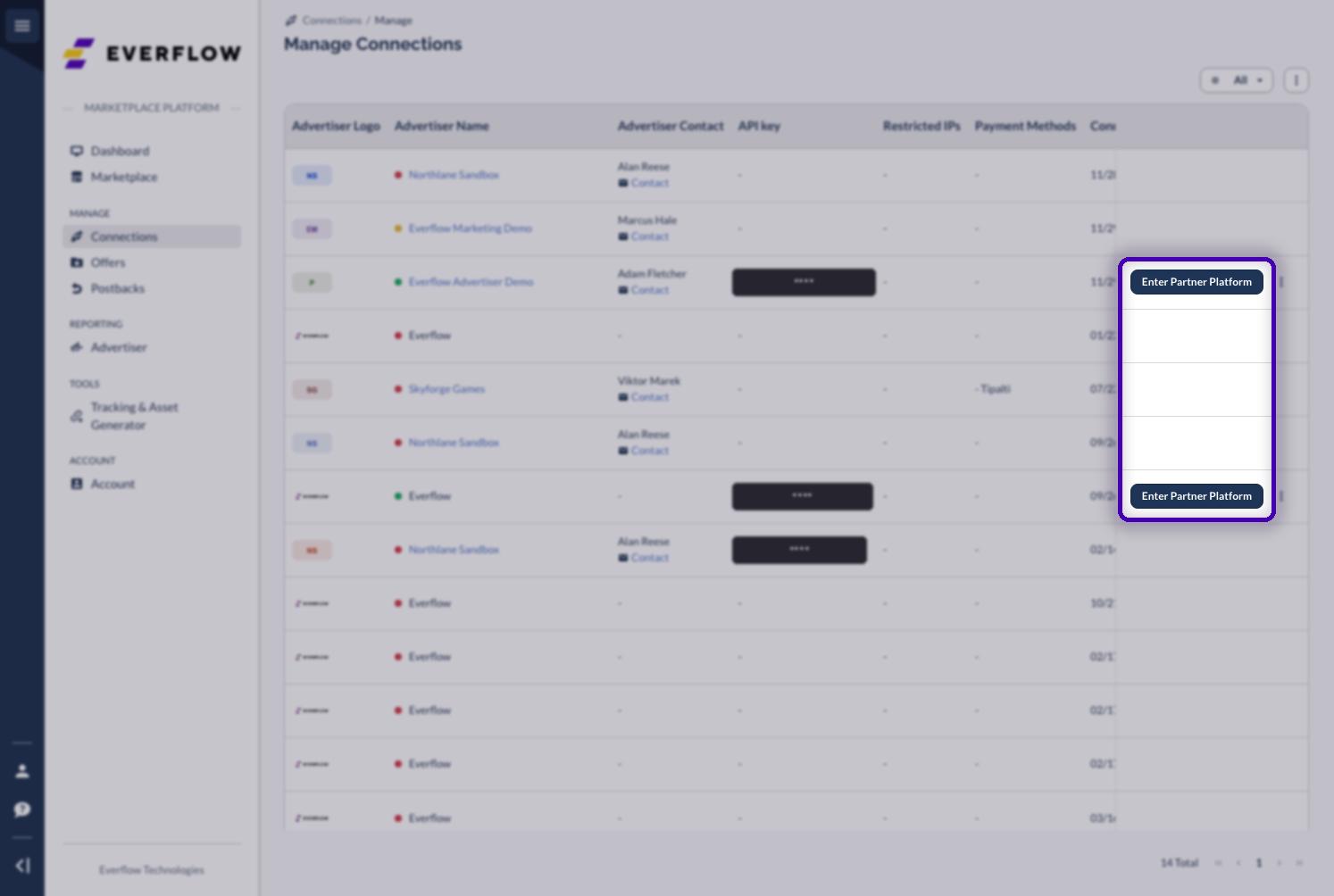
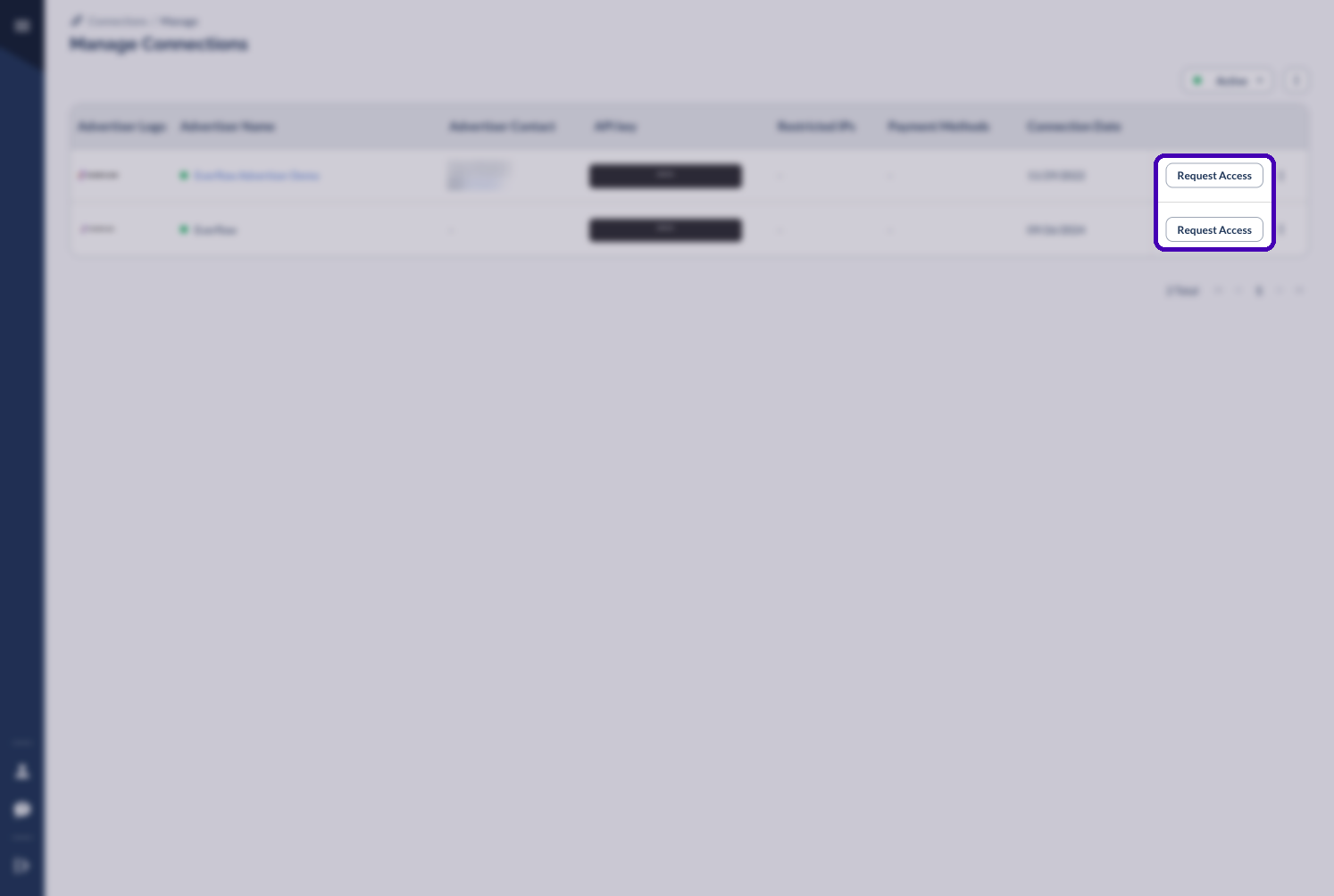
Request Access (Marketplace Managers)
If you are a Marketplace Manager, you can request access to specific platforms.
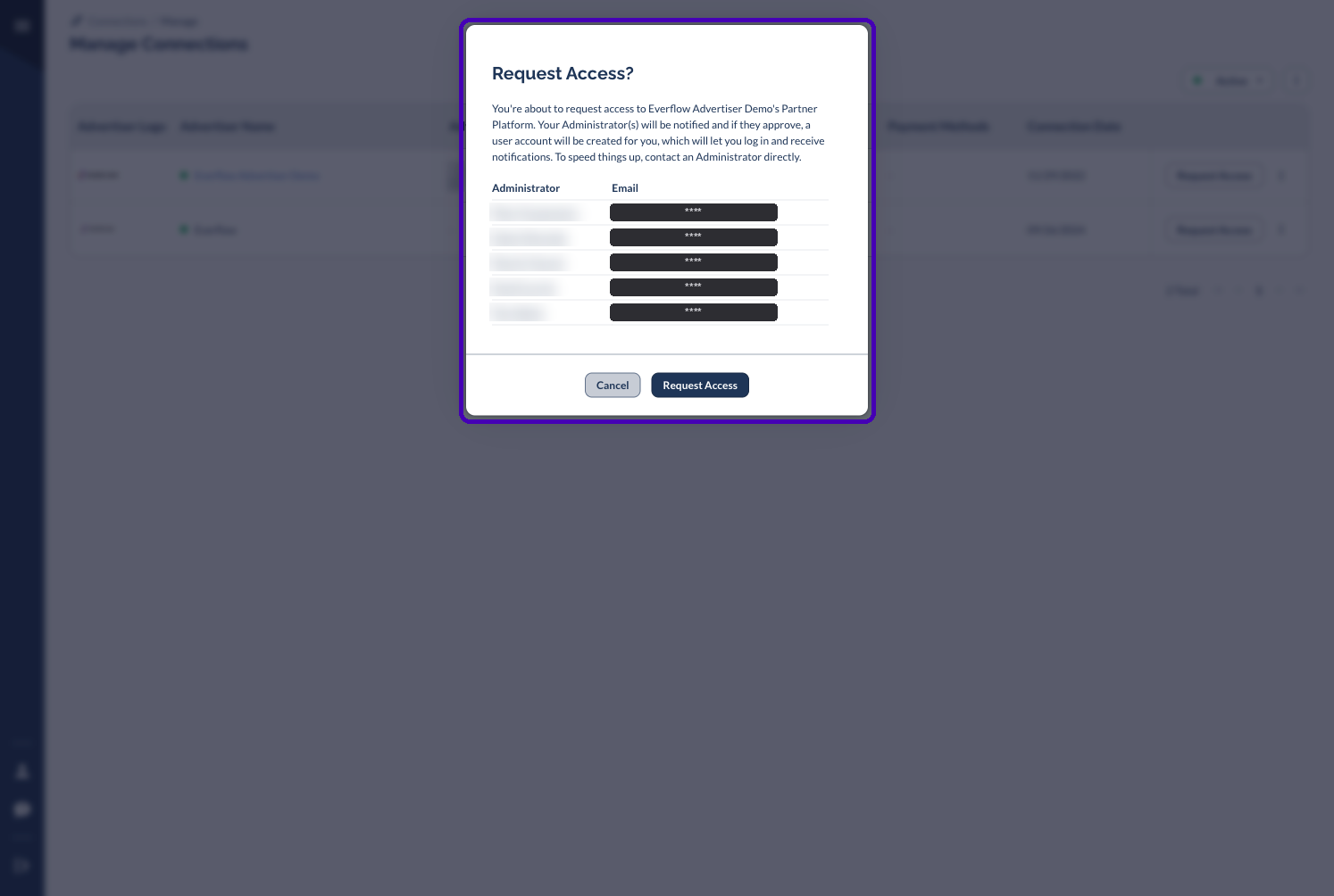
Review Requests And Grant Or Deny Access (Administrators)
Administrators have a dedicated space to manage all user access.
When a Marketplace Manager requests access, you can click the "Review Requests" link in the notification email. This opens the Partner Platform User Accounts tab, filtered to show pending requests.

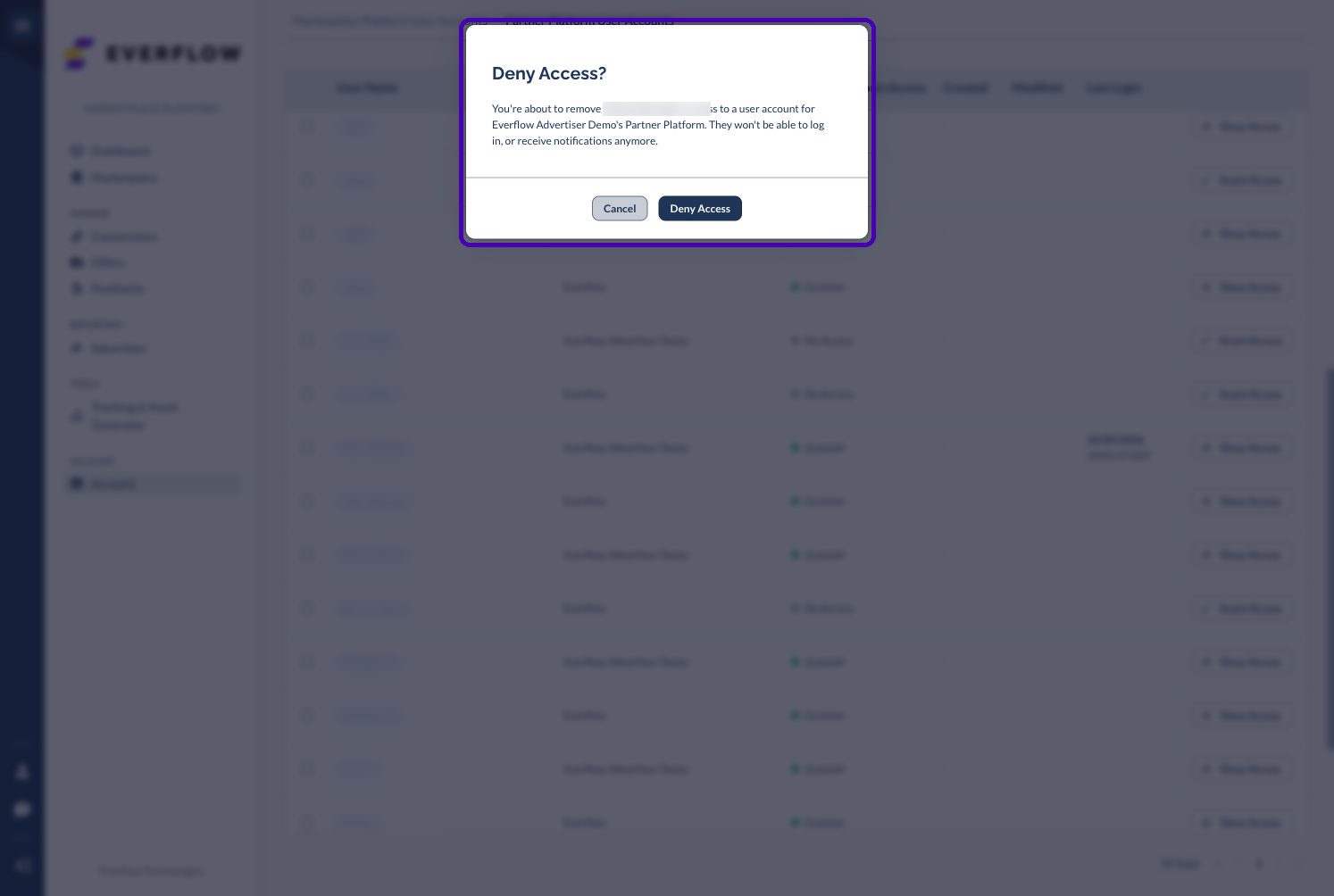
From here, you can click Grant Access or Deny Access on individual rows. A confirmation dialog appears before anything changes.
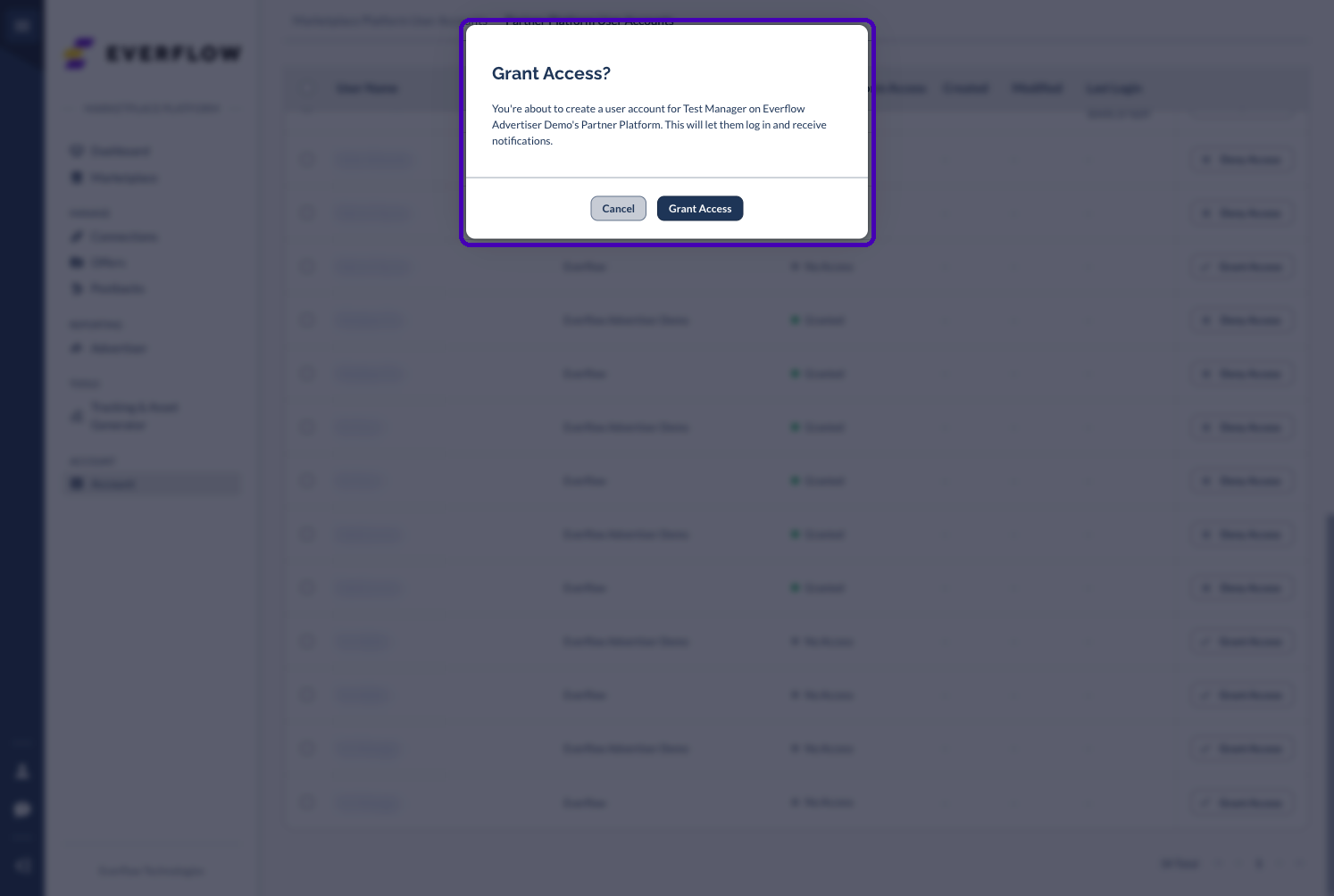
Denying works the same way. The dialog tells you the user will no longer be able to log in to that Partner Platform or receive its notifications.
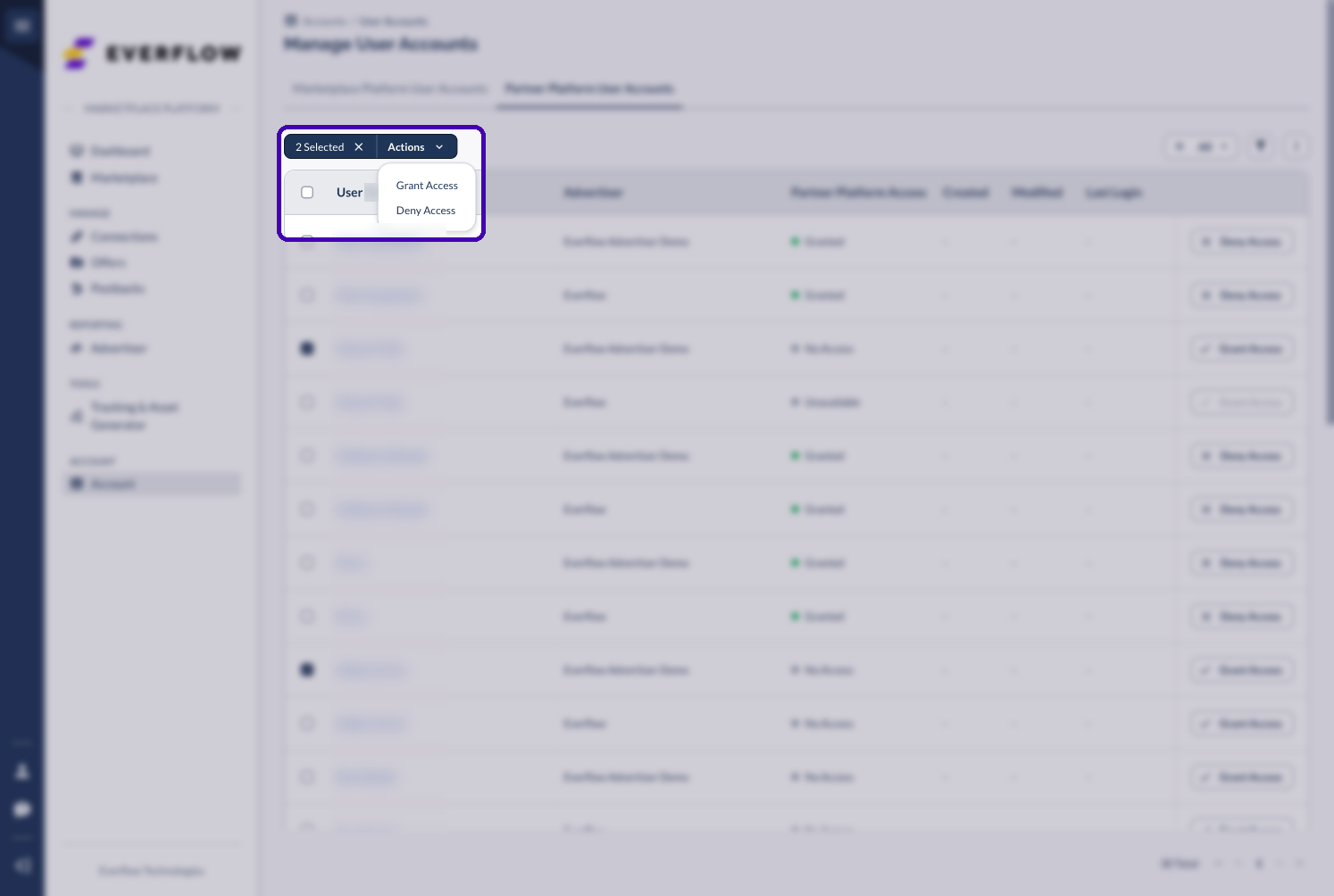
You can also select multiple rows and use the Actions menu to approve or deny requests in bulk.
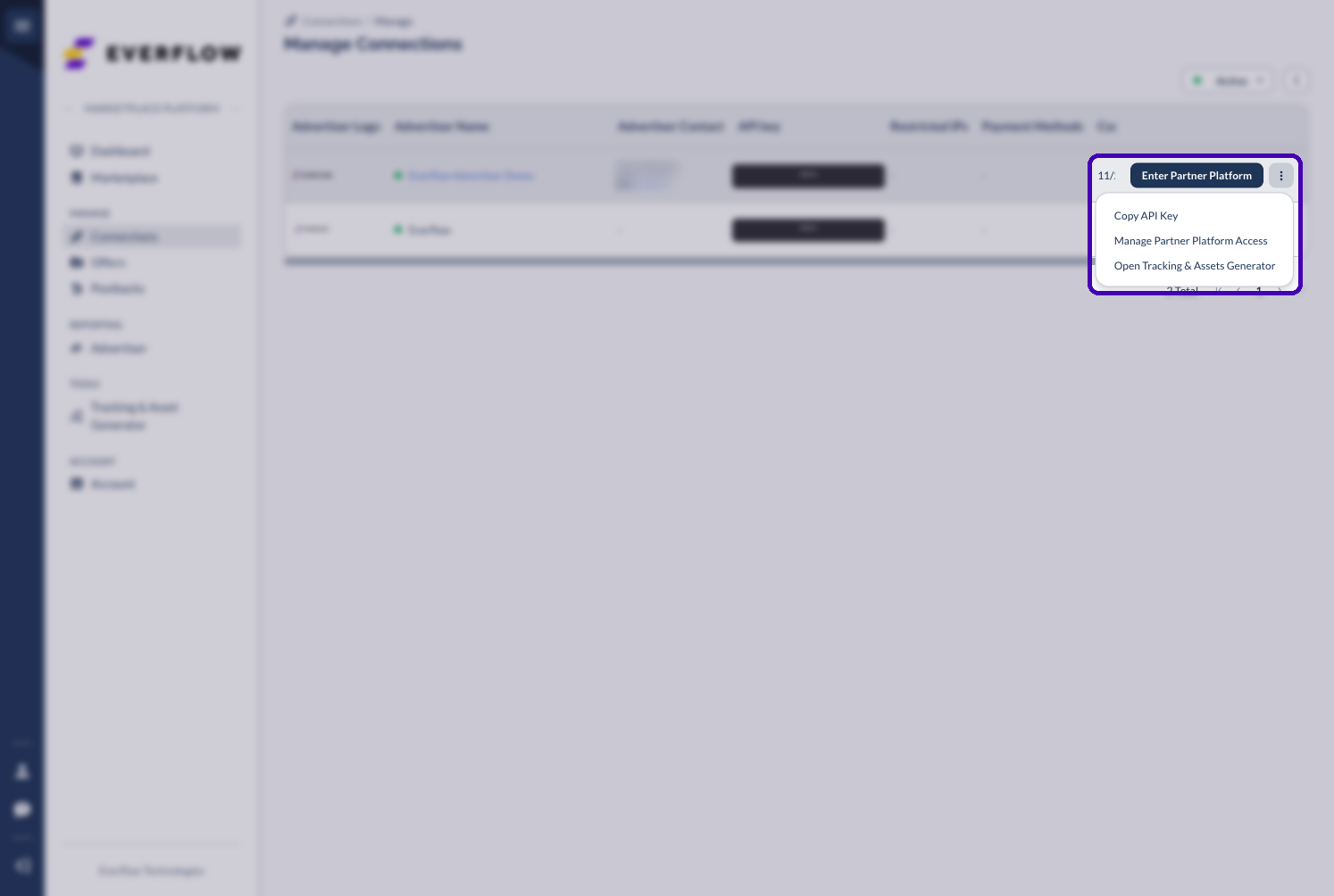
Alternatively, you can open this view at any time from Manage Connections by clicking the Manage Partner Platform Access row menu option for a specific Advertiser.
Access Statuses
When viewing user access, you will see one of the following statuses.
See Your Access In My Account
Every user can check their own access under Account > My Account. The Partner Platform Access card lists each Advertiser whose Partner Platform you can log into, your last login, and an Enter Partner Platform button.

Emails You May Receive
The system keeps everyone informed automatically.


