


.svg)

Overview
The Earnings Report is a powerful tool in the Marketplace Platform that gives you a single, consolidated view of your earnings and payment statuses from all your connected advertisers.
Navigating The Earnings Report

What's Included in the Report
The Earnings Report pulls in payment data from advertisers who use Trusted Payouts.
An Introduction To Trusted Payouts
Trusted Payouts are specific in-platform billing integrations that are trusted payment partners, including Everflow's native payment solution, Everflow Pay. These payment methods provide much greater visibility into information around payments such as transaction fees and delivery expectations.

If you can't reach out to them directly, please email pay@everflow.io.
Supported Payment Methods
The report will display earnings for the following payment methods, all three that are Trusted Payout methods:
- Everflow Pay
- Tipalti
- Veem
Unsupported Payment Methods
The Earnings Report does not include payment data from advertisers who use:
- MassPay
- PayPal
- Any payments made outside of Everflow's billing integrations
Understanding the Report
The report provides a detailed breakdown of your invoices and their current payment status. Key columns include:
Filtering by Payment Date
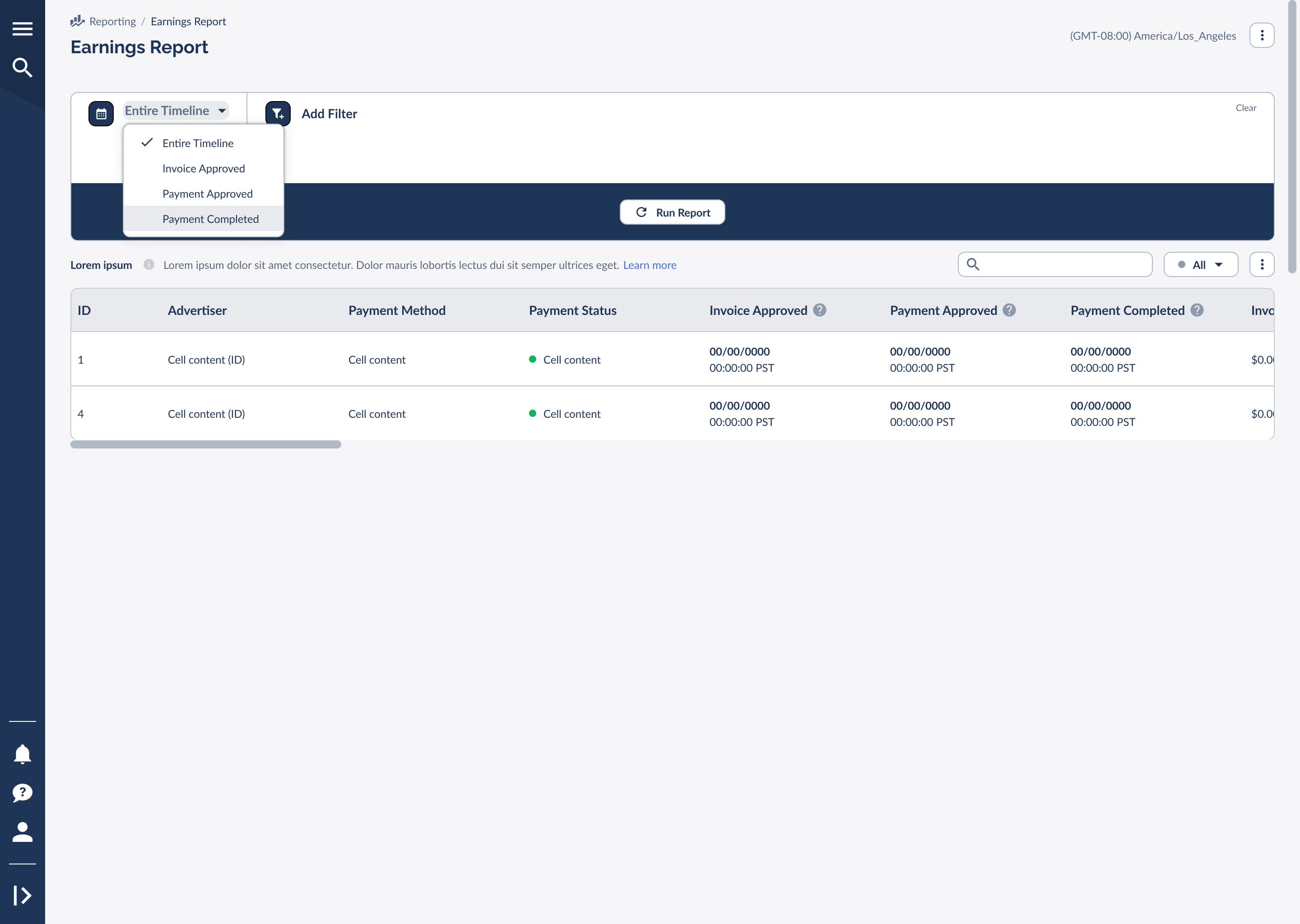
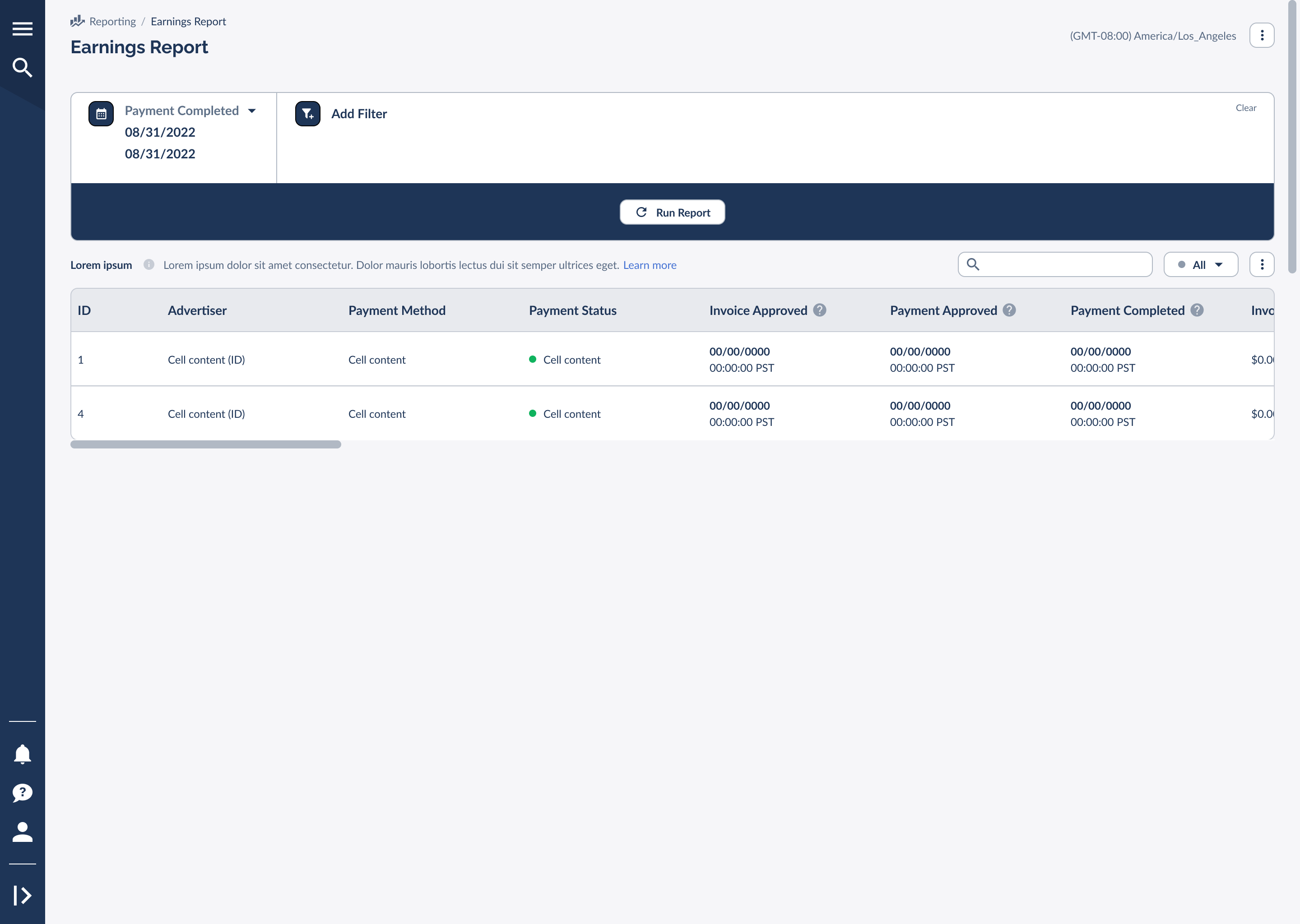
You can filter your report based on specific milestones in the payment lifecycle. This is particularly useful for reconciling your bank statements with your platform earnings.
Important Data Limitations
Please keep the following data limitations in mind when viewing the report:
Data Detail by Payment Method
- Everflow Pay: Invoices processed through Everflow Pay will show complete information across all columns and statuses.
- Tipalti & Veem: Data for payments made via Tipalti and Veem may be less detailed. You might see some columns with missing information for these payment methods.
- Everflow doesn't support the "Payment Approved" column with Tipalti.


